Geist
A desktop app for Claude Code
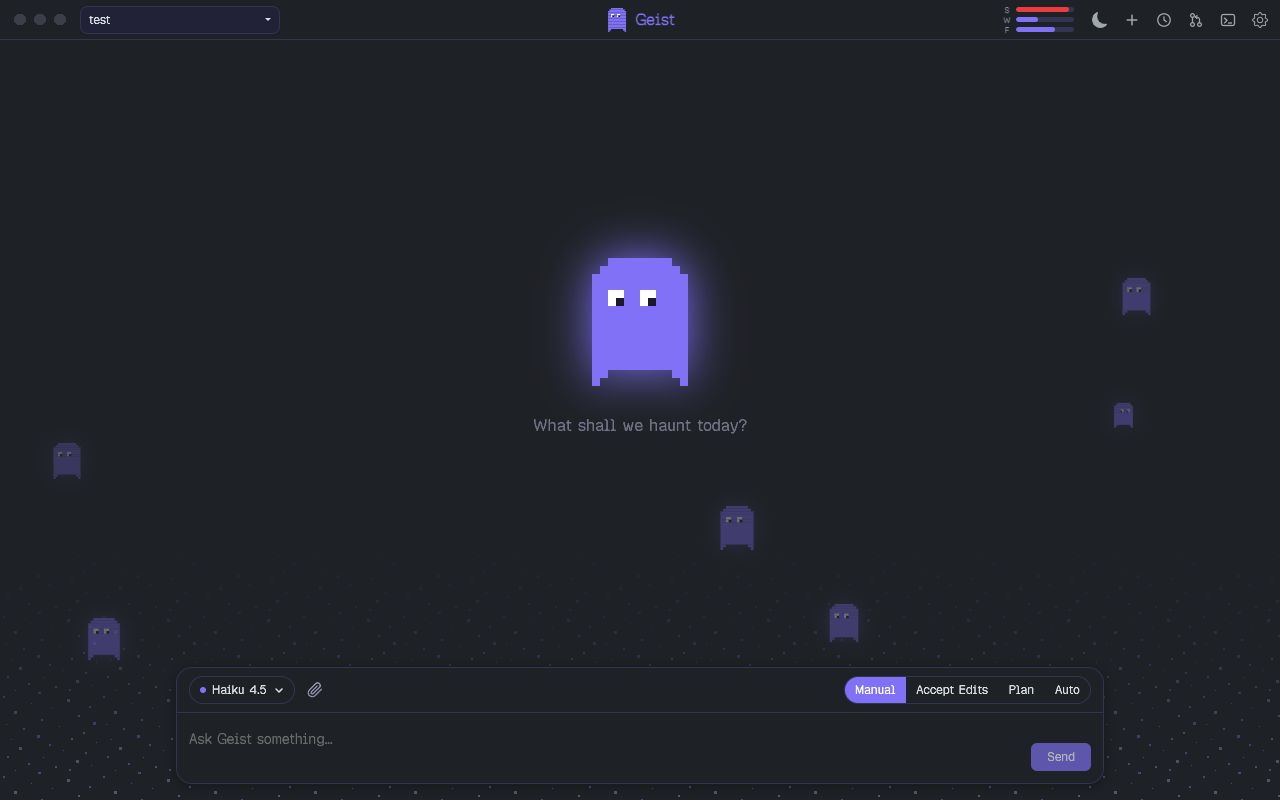
1.0.0Install it, open it, pick a project folder. That is all. Geist talks to your installed Claude Code directly — no terminal needed.
What it does
Live chat with Claude Code
Streaming answers, thinking blocks, tool calls as compact cards, permission prompts, plan review and follow-up questions — the full Claude Code experience in a native window. You can even send new instructions while Claude is still working.
Agents with their own ghosts
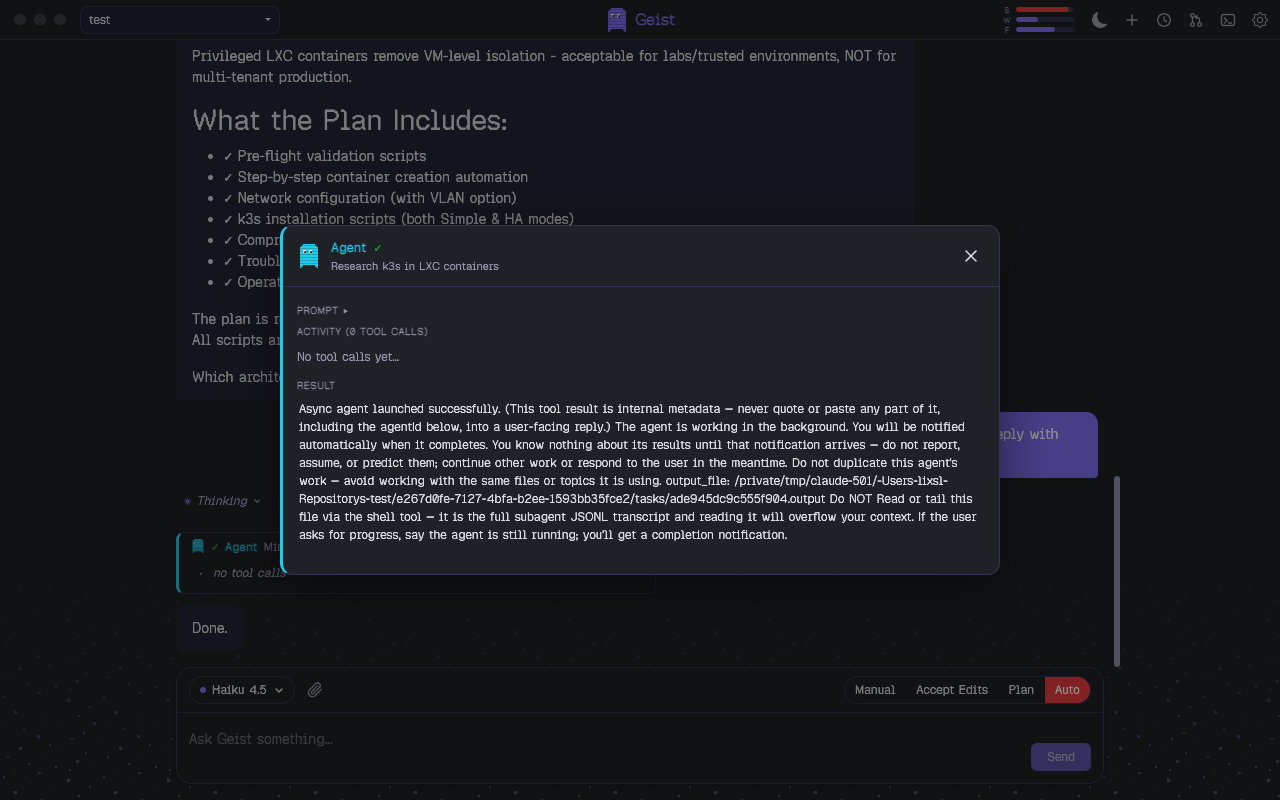
Every agent Claude spawns gets its own colored ghost. Cards pulse while an agent runs, show the last tool and token usage, and one click opens a live view of everything the agent is doing. Background agents keep running between turns.
Claude can show you things
Geist ships its own MCP server. Claude can open a popup window with rendered HTML to demonstrate a design, a diagram or a small interactive demo instead of describing it in text.
Terminal and diffs built in
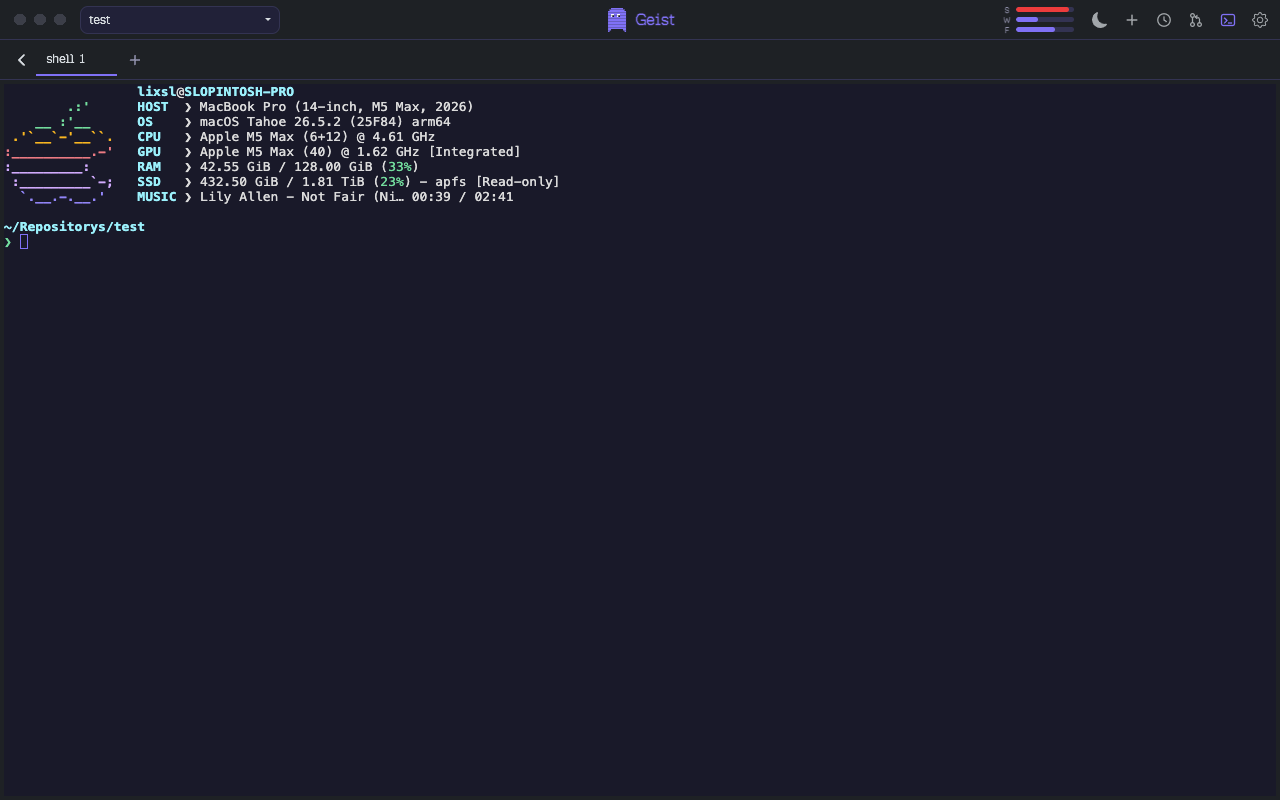
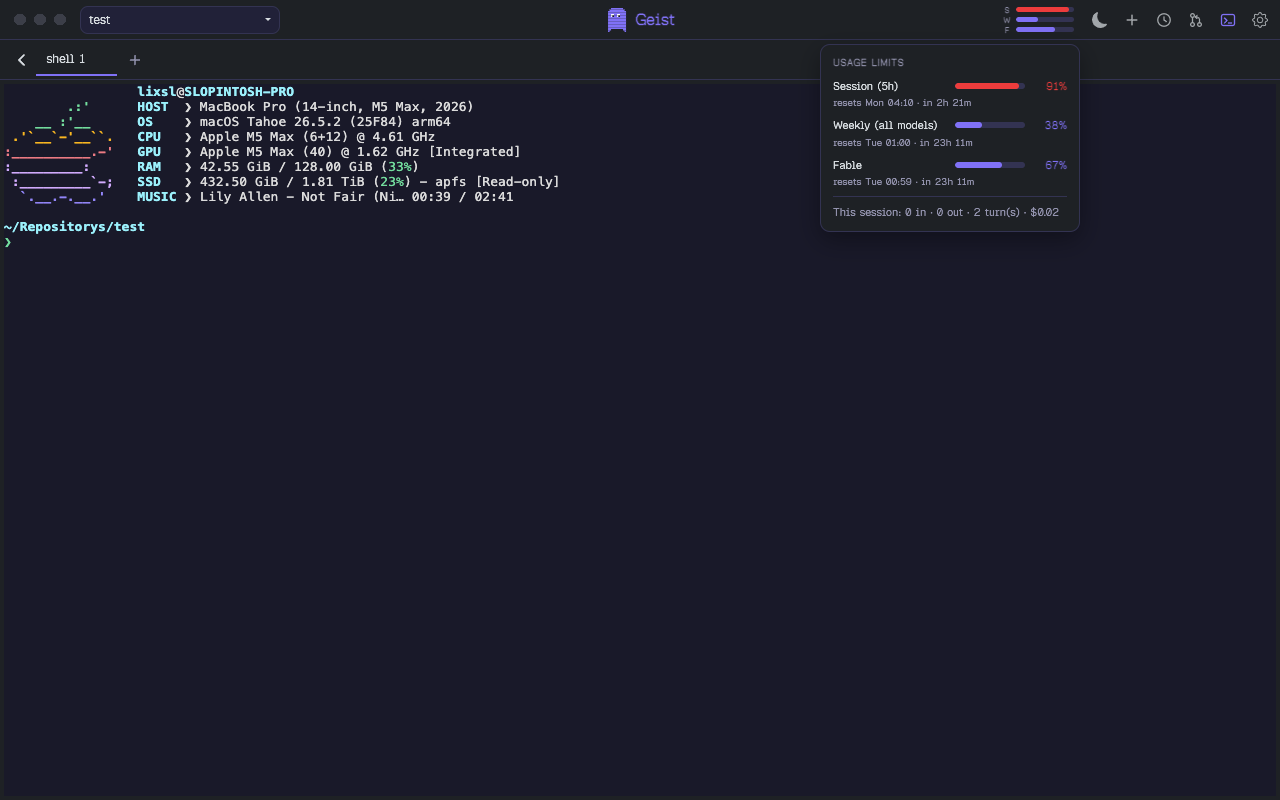
A real terminal (your login shell, multiple tabs) and a git diff view with file list and merge editor, one click away in the top bar. The chat stays a chat; the tools are there when you need them.
Sessions and usage at a glance
Resume any previous session, including sessions you started in the terminal CLI. Compact bars in the top bar show your session, weekly and per-model rate limits, with details and reset times on hover.
Everything from your CLI, nothing hardcoded
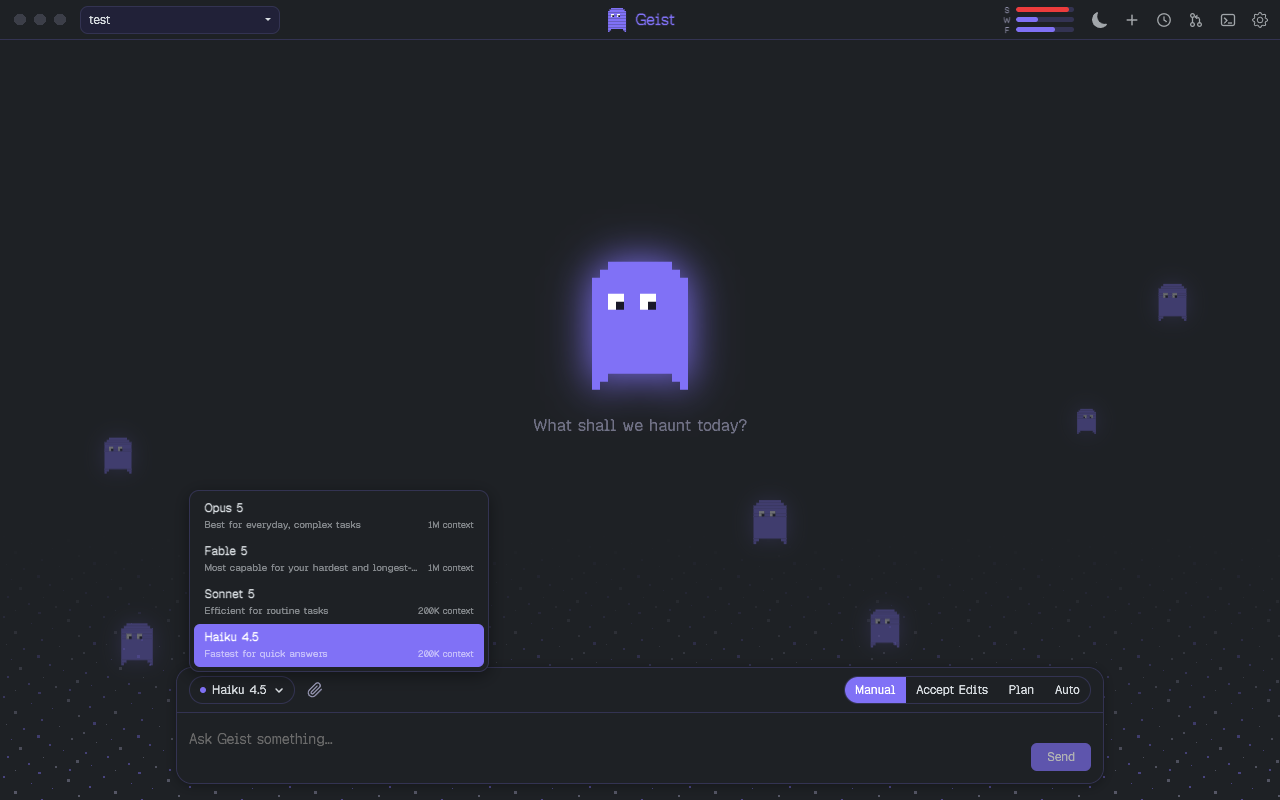
Models with context sizes, effort levels, permission modes and slash commands are read live from your installed Claude Code. When the CLI gets new models, Geist has them too.
Screenshots
Requirements
You need Claude Code
installed and logged in (claude on your PATH). Geist uses your
existing login, settings and sessions.